For new members courses
Run your new members course without the paper forms.
Sign-ups, short lessons, live sessions and a clear record of who has finished, so you know who is ready to join a team or a small group.

Does your new members course look like this?
- 01New members fill in a paper card or an online form.
- 02Someone copies their details into a spreadsheet.
- 03The course runs over a few Sundays, or one long afternoon.
- 04People miss a session and fall behind.
- 05It is hard to tell who actually finished.
TareForm keeps the course in one place, and shows you who has finished.
Sign-ups
A sign-up page for your church.
New members sign up on your church’s own page. You approve them and place them in the next course.
Your course
Your words, set out as lessons.
Bring the course you already teach: your church’s story, what you believe and how to get involved. TareForm keeps your wording exactly.
- Import from Word documents or pasted text.
- Preview it as a member would, then publish.
Finished
Know who is ready for the next step.
Each person sees what is left on their phone. Your team marks who has finished, so you know who to welcome onto a team.

Questions
Questions churches ask.
Can we run the course every month?
Yes. Start a new class whenever you need one, and copy the lessons from the last one so you don’t set it up again.
Do new members get emails?
Yes. TareForm emails people when they are approved, and again when you schedule a live session, with the link to join.
Do people need to download an app?
No. TareForm works in the web browser on a phone, tablet or computer. People sign in with their email address and see what is ready for them.
More ways churches use TareForm
TareForm runs other classes too.




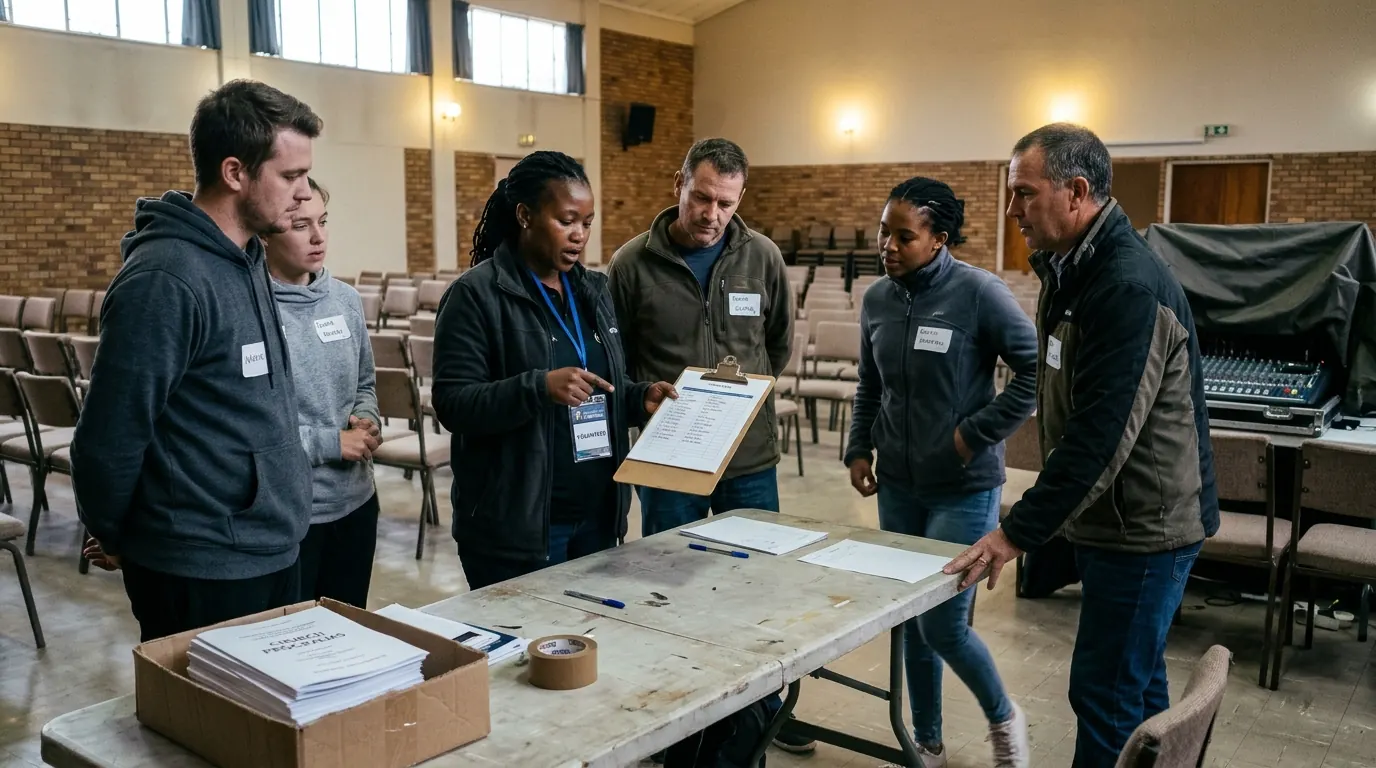

See it with your own class.
Tell us how your class runs today. We’ll show you the same thing in TareForm, in a free 20-minute call.
Formation happens together.
Muna Tare — we are together.